
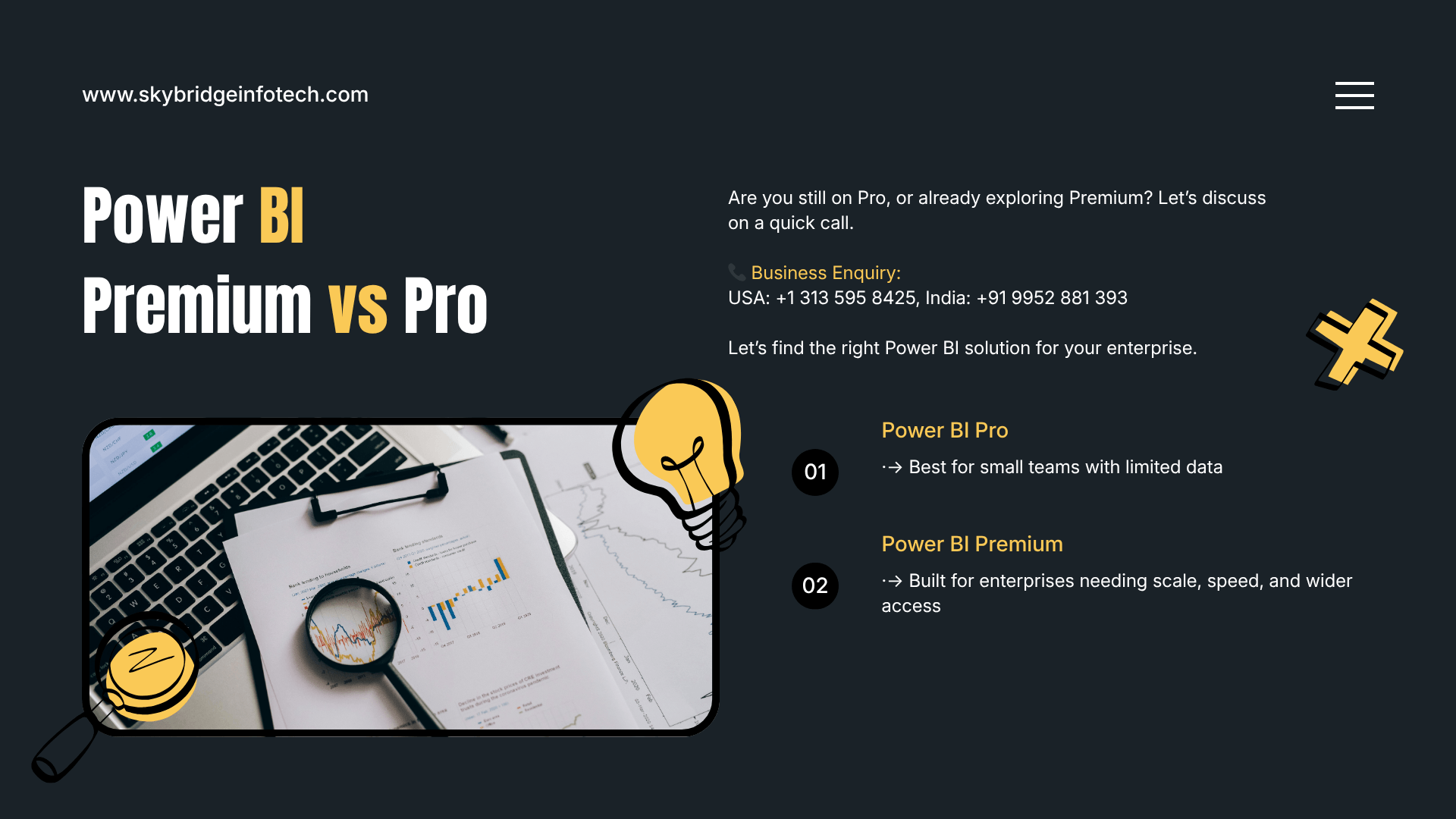
Power BI Premium vs Pro: Which One Fits Enterprise Needs?
Choosing the right analytics tool isn’t just a technical decision—it directly impacts how fast your business can make decisions. Many organizations start with Microsoft Power BI, but soon face a common question: should you stick with Power BI Pro or upgrade to Power BI Premium?
At first glance, both options look similar. But when you dig deeper, the differences can significantly affect performance, scalability, and cost—especially for large organizations.
In this post, we’ll break down Power BI Premium vs Pro in simple terms, explain their differences, and help you decide which one fits your enterprise needs.
What is Power BI Pro?
Power BI Pro is the standard version designed for individual users and small teams. It allows users to create reports, share dashboards, and collaborate within the organization.
With Power BI Pro, every user who wants to access reports must have a Pro license. This makes it ideal for smaller teams where collaboration is limited to a defined group.
Key features of Power BI Pro:
- Report creation and publishing
- Dashboard sharing across users
- Real-time data access
- Integration with Microsoft tools like Excel and Teams
It’s a great starting point, but it comes with limitations when your organization starts to scale.
What is Power BI Premium?
Power BI Premium is designed for enterprises that need higher performance, larger data capacity, and broader distribution.
Unlike Pro, Premium uses dedicated cloud resources. This means better speed, larger datasets, and the ability to share reports with users who don’t have individual licenses.
Key features of Power BI Premium:
- Dedicated capacity for better performance
- Ability to handle large datasets
- Advanced AI and data processing capabilities
- Report access for users without Pro licenses
This makes Premium a strong choice for organizations focused on enterprise data analytics services.
Power BI Premium vs Pro: Key Differences
1. Licensing Model
Power BI Pro follows a per-user licensing model. Every user needs a license to view or interact with reports.
Power BI Premium, on the other hand, offers capacity-based pricing. This means you pay for resources, not individual users. It’s more cost-effective for large teams.
2. Performance and Scalability
Pro works well for small datasets and limited users. But as your data grows, performance can slow down.
Premium provides dedicated resources, ensuring consistent performance even with large datasets and multiple users.
3. Data Size Limits
Power BI Pro has strict dataset size limits, which can restrict complex analytics.
Premium allows much larger datasets, making it suitable for enterprises handling massive amounts of data.
4. Sharing and Accessibility
With Pro, only licensed users can access reports.
With Premium, you can share reports across the organization—even with users who don’t have licenses. This is a big advantage for companies aiming to democratize data.
5. Advanced Features
Premium includes advanced capabilities like AI-driven insights, paginated reports, and enhanced dataflows.
These features are essential for businesses investing in enterprise data analytics services.
Why Power BI Premium Matters for Enterprises
For growing organizations, data is not just a resource—it’s a competitive advantage.
Power BI Premium supports this by enabling:
Faster Decision-Making: With better performance, teams can access insights instantly.
Scalable Analytics: Handle growing data without worrying about system limitations.
Wider Data Access: Share insights across departments without additional licensing costs.
Advanced Insights: Leverage AI to uncover patterns and trends that are hard to detect manually.
These capabilities align perfectly with modern enterprise data analytics services.
How to Choose Between Power BI Premium and Pro
Choosing the right option depends on your business size, data needs, and growth plans.
Choose Power BI Pro if:
- You have a small team
- Your data volume is manageable
- You don’t need advanced analytics features
- Budget is limited
Choose Power BI Premium if:
- You operate at an enterprise level
- You manage large datasets
- You need high performance and scalability
- You want to share reports across a wide audience
Tips for Making the Right Decision
If you’re unsure, start with these steps:
- Evaluate your current data usage
- Estimate future growth
- Identify performance bottlenecks
- Consider total cost of ownership
- Consult experts in enterprise data analytics services
A phased approach often works best. Many organizations start with Pro and transition to Premium as their needs evolve.
Why Skybridge Infotech is Your Ideal Partner
Selecting the right Power BI solution is only part of the journey. Implementation, optimization, and scaling require expertise. At Skybridge Infotech, we specialize in enterprise data analytics services that help businesses unlock the full potential of their data.
From choosing the right licensing model to building scalable analytics systems, we ensure your solution aligns with your business goals.
Final Thoughts
Power BI Pro and Premium both offer powerful capabilities—but they serve different needs. If you’re a growing enterprise looking to scale analytics, improve performance, and expand access, Power BI Premium is often the better choice.
The key is to align your decision with your long-term data strategy. When done right, the right analytics platform doesn’t just support your business—it drives it forward.