How Retail Businesses Use Power BI Dashboards to Boost Sales
Have you ever walked into a retail store and wondered how some businesses always seem to know exactly what customers want? Behind the scenes, many successful retailers are making decisions based on real-time data rather than guesswork. In today’s competitive retail landscape, relying on intuition alone is no longer enough.
Retail businesses face constant challenges—changing customer preferences, inventory issues, seasonal demand fluctuations, and increasing competition. The good news is that modern analytics tools like Power BI make it easier than ever to turn raw business data into actionable insights.
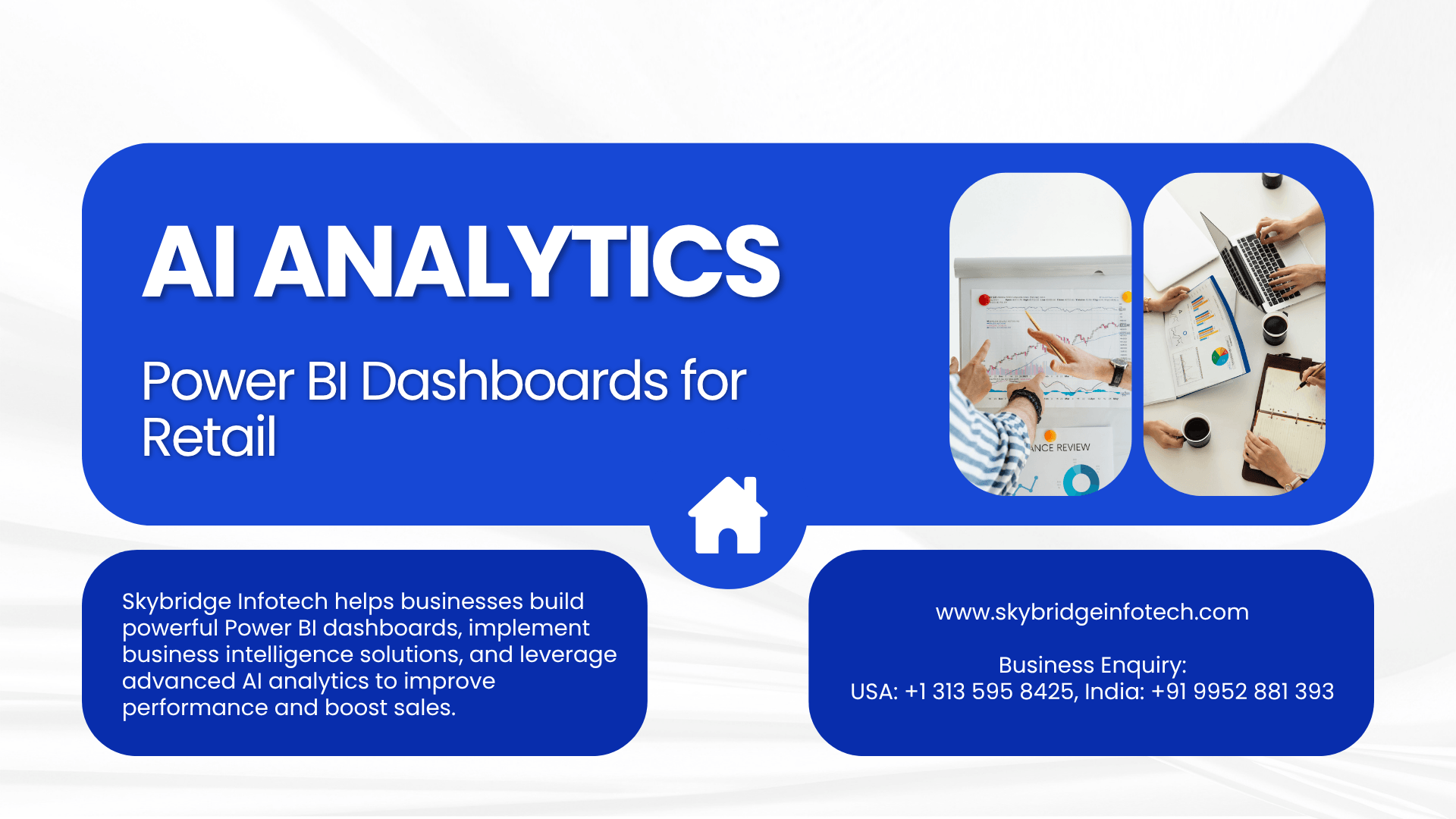
In this article, you’ll learn how retail businesses use Power BI dashboards to increase sales, improve customer experiences, and make smarter business decisions. We’ll also explore how professional data visualization services, business intelligence services, and advanced AI analytics for enterprises from Skybridge Infotech help retailers unlock the full value of their data.
What Is Power BI and Why Does It Matter for Retail?
Power BI is Microsoft’s powerful business analytics platform that transforms complex data into easy-to-understand visual dashboards and reports. Instead of reviewing spreadsheets filled with numbers, retailers can see sales trends, customer behavior, inventory performance, and profitability at a glance.
For retail businesses, this means:
- Faster decision-making
- Better inventory management
- Improved customer targeting
- Higher sales performance
- Increased operational efficiency
The ability to view real-time business performance gives retailers a significant advantage in a market where customer expectations change quickly.
How Power BI Dashboards Help Retailers Boost Sales
1. Tracking Sales Performance in Real Time
One of the biggest benefits of Power BI dashboards is real-time sales monitoring.
Retail managers can instantly view:
- Daily sales figures
- Top-selling products
- Underperforming categories
- Revenue by location
- Seasonal sales trends
Instead of waiting for end-of-month reports, decision-makers can identify opportunities and problems as they happen. If a product is selling faster than expected, inventory can be replenished immediately. If sales are declining in a specific store, corrective action can be taken quickly.
This proactive approach directly contributes to increased sales and reduced revenue loss.
2. Understanding Customer Buying Behavior
Customers leave valuable data behind with every purchase.
Power BI dashboards help retailers analyze:
- Purchase history
- Customer preferences
- Shopping frequency
- Average order value
- Customer demographics
By combining these insights with professional business intelligence services, retailers can create personalized marketing campaigns that resonate with their target audience.
For example, if data shows that customers who buy sports shoes frequently purchase fitness accessories within two weeks, retailers can create targeted promotions that encourage additional purchases.
The result is higher customer engagement and increased revenue.
3. Improving Inventory Management
Inventory problems can significantly impact retail sales.
Too much stock leads to excess carrying costs, while insufficient inventory results in lost sales opportunities.
Power BI dashboards provide visibility into:
- Inventory levels
- Stock movement
- Fast-moving products
- Slow-moving inventory
- Reorder requirements
Retailers can identify trends before inventory issues become serious. This ensures popular products remain available while reducing unnecessary stock investments.
With support from specialized data visualization services, inventory information becomes easier to interpret, helping managers make faster and more accurate decisions.
4. Identifying High-Profit Products
Not every product contributes equally to business growth.
Power BI dashboards help retailers understand:
- Product profitability
- Revenue contribution by category
- Profit margins
- Customer demand patterns
This information allows businesses to focus marketing efforts on products that generate the highest returns.
Instead of promoting low-margin items, retailers can strategically highlight products that maximize profitability while meeting customer demand.
5. Enhancing Store Performance
For businesses operating multiple locations, comparing store performance can be challenging.
Power BI simplifies this process by displaying:
- Sales by location
- Employee performance
- Customer foot traffic
- Conversion rates
- Regional buying patterns
Managers can quickly identify which stores are performing well and which need additional support.
By replicating successful strategies across all locations, retailers can improve overall business performance and drive higher sales.
The Role of Advanced AI Analytics in Modern Retail
Retail analytics is evolving beyond traditional reporting.
Today, businesses are adopting advanced AI analytics for enterprises to gain predictive insights that help them stay ahead of market trends.
When AI-powered analytics are integrated with Power BI dashboards, retailers can:
- Forecast future sales
- Predict customer demand
- Identify potential inventory shortages
- Detect purchasing patterns
- Improve pricing strategies
Rather than reacting to events after they occur, businesses can make proactive decisions based on future predictions.
This creates a powerful competitive advantage in an increasingly data-driven retail environment.
Why Data Visualization Matters
Having access to data is only part of the solution.
The real value comes from understanding that data quickly and accurately.
This is where professional data visualization services become essential.
Well-designed dashboards help retailers:
- Spot trends instantly
- Simplify complex information
- Improve decision-making
- Increase collaboration across teams
- Reduce reporting time
Visual reports are easier to understand than spreadsheets, enabling executives, managers, and employees to align around the same business goals.
How Business Intelligence Services Support Retail Growth
Implementing Power BI successfully requires more than simply creating reports.
Effective business intelligence services help businesses:
- Integrate data from multiple systems
- Build customized dashboards
- Establish key performance indicators (KPIs)
- Improve data quality
- Create automated reporting processes
With the right strategy, retailers can transform fragmented data into a centralized source of truth that supports smarter decision-making across the organization.
Why Retail Businesses Choose Skybridge Infotech
As retail operations become more data-driven, businesses need technology partners who understand both analytics and industry-specific challenges.
Skybridge Infotech helps organizations leverage:
- Data visualization services
- Business intelligence services
- Advanced AI analytics for enterprises
- Power BI dashboard development
- Predictive analytics solutions
By combining powerful analytics tools with industry expertise, Skybridge Infotech enables retailers to uncover valuable insights, improve operational efficiency, and drive sustainable sales growth.
Final Thoughts
Retail success today depends on how effectively businesses use their data. Power BI dashboards provide retailers with real-time visibility into sales performance, customer behavior, inventory management, and profitability.
When combined with expert data visualization services, reliable business intelligence services, and innovative advanced AI analytics for enterprises, retailers gain the insights needed to make faster decisions and stay ahead of the competition.
As consumer expectations continue to evolve, businesses that embrace data-driven strategies will be better positioned to increase sales, improve customer experiences, and achieve long-term growth.